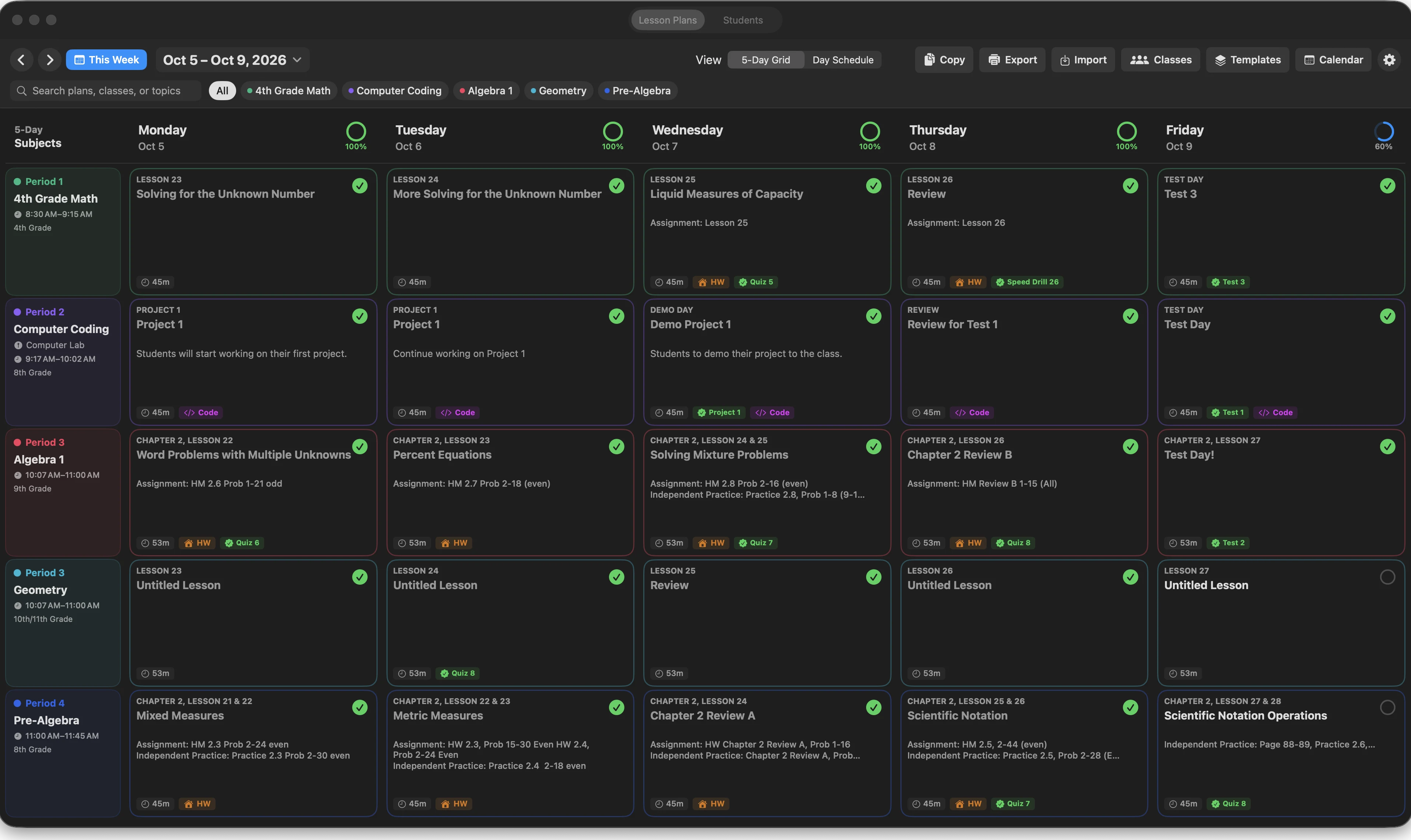
See Monday through Friday
Use the five-day grid or a daily schedule. Search by class, topic, or plans that still need attention.
macOS lesson planning app
Classroom Studio gives teachers one place to see the week, write the details, and bring the right parts of a lesson into class. It is built for the work between “I know what I want to teach” and “the students are walking in.”
Download for macOS: Coming Soon. The first release is being prepared for macOS 14 or newer. Pricing has not been announced.
Made for the planning between classes
The planner is curriculum-neutral, so it can follow the way your school already works. Set up classes, meeting days, school dates, and reusable sections once. Then spend your time on the lesson itself.
Use the five-day grid or a daily schedule. Search by class, topic, or plans that still need attention.
Keep objectives, activities, materials, assignments, assessments, independent practice, and reflection notes with the lesson.
Present selected lesson panels, use Math or Coding when a class needs it, and keep the teacher view separate from Student View.
A practical teacher workflow
A good planner should make a changed Tuesday easier to handle, not make you rebuild the week.
Check classes, meeting days, holidays, and lesson status before opening an individual plan.
Open a lesson, add the details your class needs, and reuse a template when it saves time.
Use the lesson workspace when class begins. The notes and student-facing panels are still tied to that lesson.
Release details
Send a short message and we will keep your interest with the Classroom Studio launch notes.